Locker Business Equipment: What to Specify Before You Buy
Choose equipment around the item, the customer journey and the site. A cabinet alone does not provide a managed service: you need a confirmed control system, an appropriate customer interface and a way to recover failed handovers. This checklist is a purchasing brief, not a wiring diagram or product certification.
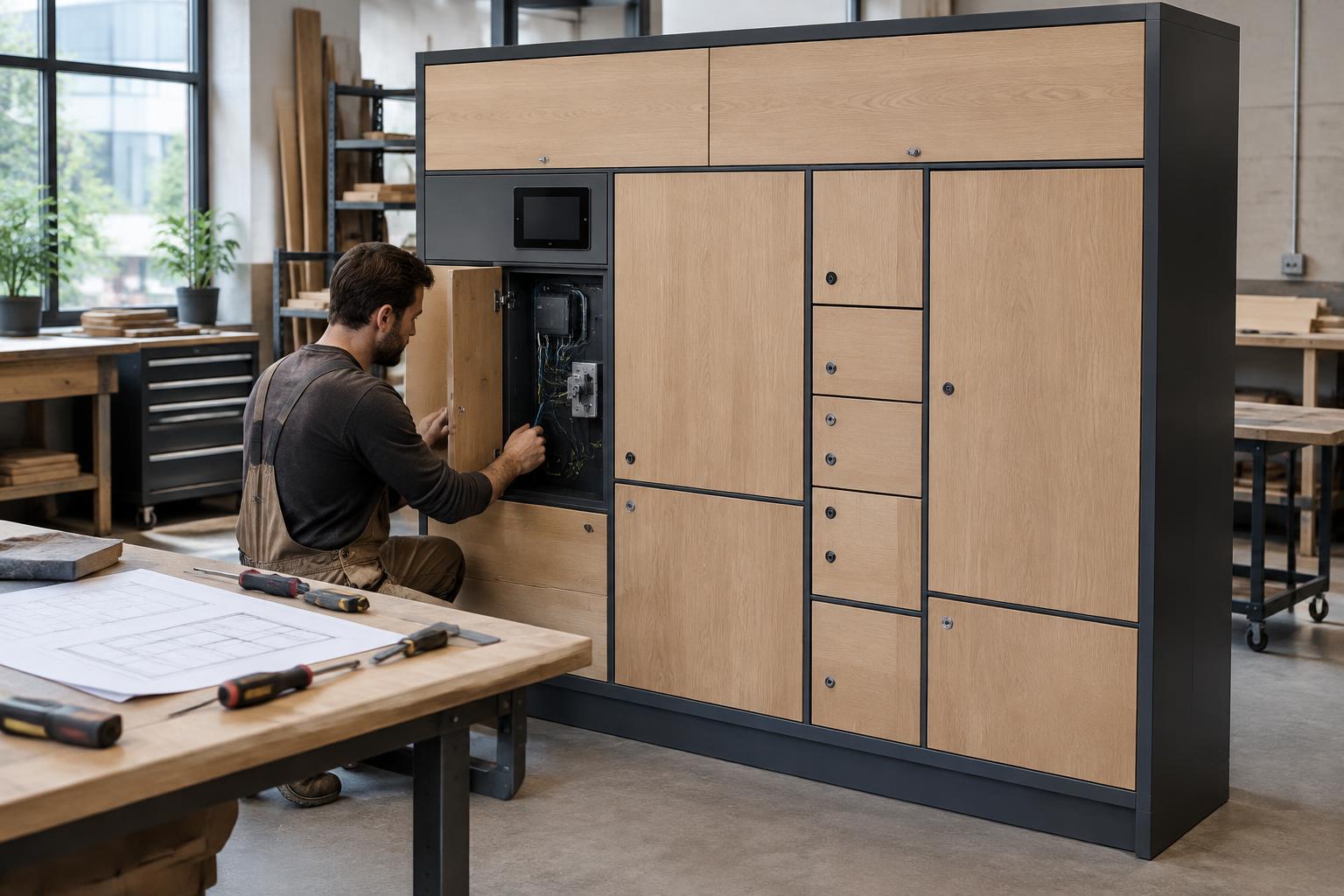
1. Write the handover before specifying the cabinet
Describe booking or order identification, payment if required, authorised loading, notification, collection, expiry, returns and exception handling. Decide who can open each door and what record is required. Include a customer who has no smartphone and an operator recovering a failed collection.
For residential buildings, distinguish resident parcel rooms, managed smart mailboxes, laundry handovers, food collection and equipment rental. Do not assume different products can safely share a compartment or that one workflow covers them all.
2. Match the compartment to the actual item
Measure representative items including bags and packaging. Specify usable internal dimensions, loading access, weight limits, door clearance and cleaning access. Use observed demand and collection time to choose the compartment mix, not just a headline door count.
| Service | Questions for the specification |
|---|---|
| Laundry and dry cleaning | Can garments hang without damage? How are dirty returns separated from cleaned items? |
| Food or flowers | What storage conditions and collection limits are required? Is validated temperature control needed? |
| Rental and shared equipment | Will the item fit safely, and where are returned items inspected before reissue? |
| Keys and small items | How are authorised recipients, concealed contents and custody records handled? |
| Luggage or self-storage | What size, weight, dwell time and prohibited-item rules apply? |
| Managed mailboxes | What postal-access, recipient identity and local installation requirements apply? |
3. Confirm the complete equipment stack
Request a bill of materials and a responsibility list. Do not buy a lock, controller, tablet or Pi solely because it looks similar to a supported device; have the exact model, protocol, firmware and intended interface checked before ordering.
| Layer | What to confirm |
|---|---|
| Cabinet | Material, usable sizes, hinges, finish, fixing method and site suitability |
| Electronic locks and sensors | Supported model, door-state reporting, cycle specification and controlled service release |
| Controller and site computer | Supported protocol, number of doors, power requirements and tested connection |
| Customer interface | Self-serve kiosk/tablet, building interface or agreed resident/own-brand app connection |
| Software and notifications | Roles, workflows, logs, message channels and agreed configuration |
| Payments where required | Operator payment account, gateway connection, fees, refunds and reconciliation |
| Power and network | Safe installed supply, coverage, connectivity contract and outage response |
| Service kit | Approved spares, tools, manuals, technician access and repair contacts |
4. Specify the environment and accessibility
For an outdoor site, ask for evidence of suitability for the actual rain, dust, heat, cold, sunlight, corrosion and tampering exposure. Confirm the complete assembly, not only one component's rating. Check foundations, drainage, mounting and any canopy permissions.
Plan an unobstructed approach, suitable reach ranges, readable instructions and an accessible alternative with a qualified local adviser. A touchscreen or ramp alone does not establish compliance. Do not obstruct emergency exits or building services.
5. Treat temperature control as a separate specification
An ordinary locker is not a refrigerator. For chilled or frozen goods, agree temperature ranges, monitoring, alarms, cleaning, collection deadlines, power-loss response and responsibility for unsafe goods with the supplier and relevant food authority.
Flowers may need product-specific storage and frequent stock rotation; medicines and other regulated goods require specialist review. A locked door does not establish product safety or permission to sell a regulated item.
6. Compare suppliers on a written scope
You can source through LockerLauncher, other online suppliers, local fabricators or a compatible retrofit. Ask for drawings, component models, applicable compliance evidence, shipping terms, warranty, spare-part availability, manuals, installer responsibility and exclusions. Verify that documents relate to the model you will receive and your destination market.
Agree who checks compatibility, who commissions the system and who fixes a fault across the cabinet/software boundary. A claim of 'API ready' is not proof that the hardware will work with your chosen software.
7. Agree acceptance tests before paying the final balance
Record pass/fail criteria for each intended workflow: the correct door opens for the right recipient, unauthorised access is rejected, open/close state is recorded as specified, expiry and reminders behave as agreed, and overdue items can be recovered under controlled permission.
Test oversized or misloaded items, a door left open, a jam, a failed message, lost connectivity and interrupted power with your supplier. Verify the documented recovery process and accessible customer alternative. For temperature-controlled equipment, obtain the appropriate performance evidence and operational checks.
8. Prepare the operating handover
Before opening, collect as-built drawings, equipment identifiers, warranty details, service instructions and training records. Set a check/cleaning schedule and nominate support and on-site repair contacts. Keep emergency access controlled and auditable, not shared casually with every partner.
Your equipment brief should finish with the item sizes, compartment mix, site conditions, customer interface, integrations, safety requirements and acceptance checklist. Share it before requesting a final quote.
Common questions
- Do I have to buy your cabinets?
- No. You may bring cabinets from other suppliers or retrofit existing ones, subject to confirmation of hardware and control compatibility.
- Can I use an iPad or Raspberry Pi?
- Discuss the exact device, operating system, controller and intended interface before purchase. Device support and the complete configuration must be confirmed; these names do not imply automatic compatibility.
- Can ordinary lockers store chilled food?
- They do not provide refrigeration. The storage conditions, holding time, equipment and operating checks must meet the requirements for the actual food and jurisdiction.
Sources and further reading
These independent resources support the general planning advice, not claims about LockerLauncher installations, prices or earnings.
- U.S. Access Board: Accessible routes
U.S. accessibility standards for routes where applicable; not certification of a locker installation. Obtain a site-specific local review.
- FDA: Retail Food Protection
U.S. food-safety framework; local, state and tribal regulators oversee retail food activities. Model guidance is not automatically local law or permission for food lockers.
- OSHA: Small Business Safety and Health Handbook
U.S. workplace safety planning. Qualified installers must assess the actual equipment, site and applicable local requirements.
Next step: Measure your items and proposed space, then send the supplier's exact lock and controller specifications for a compatibility discussion.
Related locker business use cases
Keep reading
- Locker Business Startup Costs: Build Your First-Site Budget
- Locker Business Site Selection: Validate a Location Before You Sign
- Locker Business Legal Setup: Registration, Contracts and Local Checks
- Sourcing lockers from China or manufacturing them locally
- Smart Locker Manufacturing: A Cabinet, Pi, Tablet and Lock Integration Checklist
- How to start a locker business
- How to make money from a locker business
- Business ideas hub for first-time founders
- All locker business ideas